Why photograph slime mold?
Slime mold photography serves multiple purposes. For scientists and hobbyists, it documents growth patterns, experiment results, and behavioral changes. For artists and nature photographers, the intricate vein networks and vivid colors of Physarum polycephalum produce genuinely beautiful images. And for anyone creating experiments or classroom activities, good photos are the best way to record and share your work.
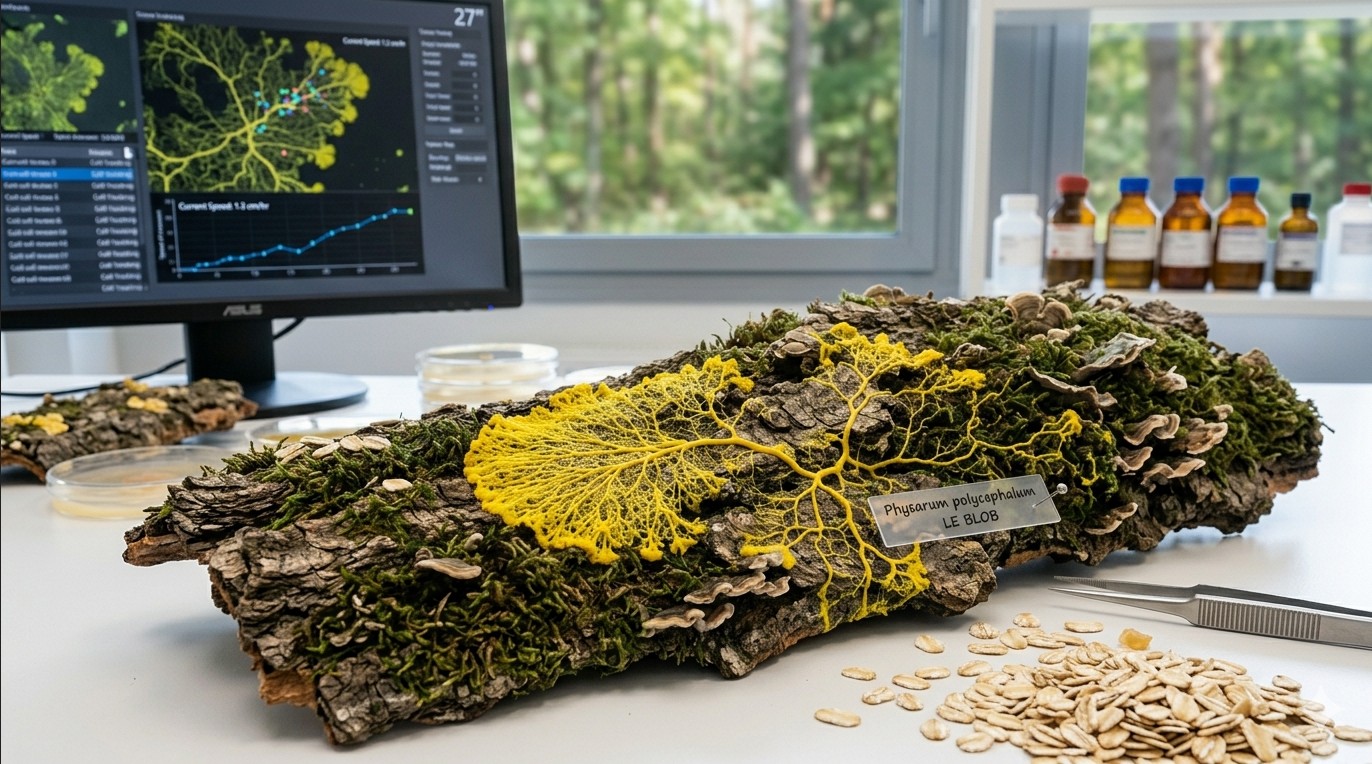
Equipment by budget level
| Level | Budget | Camera | Lens / Attachment | Lighting | Tripod |
|---|---|---|---|---|---|
| Starter | 0-30 € | Smartphone (any recent model) | Clip-on macro lens (10-15 €) | Desk lamp with diffuser (paper or tissue) | Phone holder or stack of books |
| Intermediate | 100-400 € | Compact camera or entry DSLR/mirrorless | Macro extension tubes (30-60 €) or budget macro lens | LED ring light or small softbox | Tabletop tripod with ball head |
| Advanced | 500+ € | DSLR or mirrorless with manual controls | Dedicated 1:1 macro lens (90-105mm) | Twin flash or focus-stackable LED panel | Sturdy tripod with macro rail |
Starter level: smartphone photography
Modern smartphones produce surprisingly good slime mold photos, especially with a few tweaks:
- Clean the lens. This sounds obvious, but fingerprints on a phone lens cause haze and reduce sharpness dramatically. Wipe it before every session.
- Use a clip-on macro lens. These inexpensive attachments (available online for 10-15 €) let you get much closer to the subject, revealing vein details invisible to the naked eye.
- Lock focus and exposure. On most phones, tap and hold on the slime mold to lock focus. This prevents the camera from refocusing between shots, which is especially important for time-lapse sequences.
- Use the timer or a remote shutter. Touching the phone to take a photo causes vibration and blur. Use a 2-second timer or a Bluetooth remote.
Intermediate level: compact or entry-level cameras
A camera with manual controls gives you much more flexibility:
- Macro extension tubes are the most cost-effective way to get close-up capability. They fit between the camera body and an existing lens, reducing the minimum focusing distance. No glass elements means no quality loss.
- A budget macro lens (such as a 35mm or 50mm macro) gives 1:2 or 1:1 magnification. Look for manual-focus options from brands like Laowa or 7Artisans for excellent quality at reasonable prices.
- LED ring lights provide even, shadow-free illumination perfect for Petri dish photography. Adjustable brightness and color temperature models are worth the small extra cost.
Advanced level: dedicated macro setup
For the highest quality results:
- A true 1:1 macro lens (90mm, 100mm, or 105mm) from Canon, Nikon, Sony, Sigma, or Tamron. These lenses are optically optimized for close-up work and produce the sharpest results.
- A macro focusing rail allows precise, repeatable positioning for focus stacking (combining multiple images focused at slightly different depths to create an all-sharp final image).
- Twin flash units (one on each side) provide controlled, repeatable lighting. Alternatively, a high-CRI LED panel with a diffuser gives continuous light for both stills and video.
Camera settings for sharp macro shots
The depth of field challenge
The biggest technical challenge in macro photography is depth of field. At close focusing distances, only a very thin slice of the subject is in sharp focus. A Petri dish of slime mold photographed at 1:1 magnification at f/2.8 might have less than 1mm of depth in focus.
Recommended settings
| Setting | Recommended value | Why |
|---|---|---|
| Aperture | f/8 to f/16 | Best balance between depth of field and sharpness. Avoid f/22+ where diffraction softens the image. |
| ISO | 100-400 | Keep as low as possible for clean, noise-free images. Use a tripod to allow longer exposures. |
| Shutter speed | 1/60s or longer (on tripod) | With a tripod, use whatever speed gives correct exposure at your chosen aperture and ISO. |
| Focus mode | Manual | Autofocus often hunts at macro distances. Manual focus with live view magnification is more reliable. |
| White balance | Custom or daylight | Set a custom white balance for accurate yellows. The vivid yellow of Physarum can confuse auto white balance. |
| File format | RAW (if available) | RAW files retain more detail and allow better post-processing adjustment than JPEG. |
Focus stacking for maximum sharpness
If you want the entire slime mold in sharp focus (not just a thin slice), use focus stacking:
- Mount the camera on a tripod. Use a macro rail if you have one.
- Focus on the nearest part of the slime mold and take a photo.
- Move the focus point slightly deeper and take another photo.
- Repeat until you have covered the full depth of the subject. For a flat Petri dish, 5-10 images may be enough. For a three-dimensional fruiting body, you might need 20-50.
- Combine the images using software like Helicon Focus, Zerene Stacker, or the free alternative CombineZP.
Lighting techniques
Top lighting (overhead)
The simplest approach. Place a diffused light source directly above the Petri dish. This produces even illumination with minimal shadows. Best for documenting experiments and showing overall network structure. Use a sheet of white paper or tissue between the light and the dish to soften harsh shadows.
Side lighting (raking light)
Position the light at a low angle (15-30 degrees above the surface). This creates shadows that emphasize the three-dimensional structure of the vein network and reveals surface texture. Particularly effective for showing the height difference between thick main veins and thin exploratory filaments.
Backlighting (transmitted light)
Place the light source below the Petri dish (on a light table or with a flashlight underneath). The agar becomes translucent, and the slime mold veins appear as dark silhouettes or glow warmly. This technique produces dramatic, artistic images but requires a transparent substrate.
Dark field illumination
Position lights at very low angles so they illuminate the subject from the sides but do not shine directly into the lens. Against a black background, the slime mold seems to glow. This is the technique that produces the most visually striking images for social media and art prints.
Light affects slime mold behavior
Remember that Physarum polycephalum actively avoids light, especially in the blue and UV spectrum. Prolonged exposure to bright light during photography sessions can alter its behavior and even cause it to retreat or form sclerotium. Use the minimum light intensity and duration needed for your shots. Red or amber light has less effect on slime mold behavior than white or blue light.
Time-lapse setup
Time-lapse is where slime mold photography really shines. Behavior that takes hours unfolds in seconds, revealing the pulsing cytoplasmic flow, the exploration and retraction of veins, and the elegant optimization of transport networks.
Equipment needed
- Camera with intervalometer (built-in or external) or smartphone with time-lapse app
- Sturdy tripod or fixed mounting (the camera must not move at all during the entire sequence)
- Consistent lighting (not a window, as natural light changes throughout the day)
- Power supply (battery will not last for a 24+ hour time-lapse; use AC adapter or USB power)
- Large memory card (a 24-hour time-lapse at 1 photo per minute = 1,440 images)
Recommended intervals
| Subject / behavior | Interval | Duration | Result at 24fps |
|---|---|---|---|
| Cytoplasmic streaming (pulsing flow) | 2-5 seconds | 30-60 minutes | 15-30 second clip |
| Growth and exploration | 30-60 seconds | 6-24 hours | 15-40 second clip |
| Maze solving | 1-2 minutes | 12-48 hours | 10-40 second clip |
| Network optimization | 2-5 minutes | 24-72 hours | 10-30 second clip |
| Sclerotium formation | 5-10 minutes | 48-120 hours | 10-40 second clip |
Step-by-step time-lapse workflow
- Set up the experiment first. Get the slime mold, food, and substrate in position before positioning the camera.
- Mount the camera directly above the dish. Use a copy stand, boom arm, or tripod with a horizontal center column. The camera should look straight down to avoid perspective distortion.
- Set focus manually. Focus on the agar surface where the slime mold will grow. Lock the focus. Do not use autofocus for time-lapse.
- Set exposure manually. Use manual mode (aperture, shutter speed, ISO all fixed). Auto exposure will cause flickering between frames as the slime mold grows and changes the scene.
- Set white balance manually. Auto white balance shifts will cause color flickering in the final video.
- Start the intervalometer. Set your chosen interval and let it run. Do not touch the camera or the dish during the sequence.
- Compile the images. Import all frames into video editing software (DaVinci Resolve is free and excellent) or use a dedicated time-lapse compiler like LRTimelapse. Export at 24 or 30 frames per second.
Dealing with condensation
Moisture condensing on the inside of the Petri dish lid is the most common problem in slime mold time-lapse. It creates foggy, unusable images. Solutions: photograph without the lid (but monitor humidity), apply a thin coat of anti-fog spray to the inside of the lid, or slightly tilt the lid so condensation runs to one side away from the area you are photographing.
Post-processing tips
- White balance correction: The yellow of Physarum can shift toward green or orange depending on lighting. Adjust white balance in post to get a natural, vivid yellow.
- Contrast and clarity: Increasing clarity or local contrast reveals vein structure. Do not overdo it, as excessive processing creates an unnatural look.
- Cropping: Do not be afraid to crop tightly. A close crop on an interesting section of the network often makes a more compelling image than the full dish.
- Scale reference: Include a ruler, coin, or other size reference in at least some of your photos. Without scale, viewers cannot appreciate the true size of the structures.
Good photography transforms slime mold observation from a private hobby into something you can share, compare, and build on. Whether you are documenting a maze experiment, recording growth for a classroom project, or creating art, the techniques above will help you capture the remarkable beauty of this organism.